Beatmatching is the core skill that turns a stack of tracks into a continuous mix: getting two records to run at exactly the same speed and lining their beats up so the kicks hit together. Modern gear can do it at the push of a button, but learning to do it by ear and by hand is what makes you a DJ rather than a button-pusher. This guide focuses purely on that manual skill — matching tempo and locking phase — and points you to our companion articles for counting, phrasing, EQ and transitions.
What Beatmatching Is and Why It Matters
Beatmatching is the technique of adjusting an upcoming track so its tempo matches the track currently playing, and then aligning them so the beats — typically the kicks and snares — hit at the same moment when both play together. When it is done right, the two tracks sound like one, and you can blend from one into the other without the dancefloor ever feeling a bump.
It matters because it is the foundation of mixing. Every smooth transition, every long blend, every seamless hour of music in a club rests on two tracks being locked in time. Get this wrong and you get a train wreck — two rhythms fighting each other. Get it right and you have a canvas on which every other technique (EQ, the crossfader, effects, phrasing) can be applied.
The technique is usually credited to New York DJ Francis Grasso, who began his residency in 1969 at the Sanctuary — a former German Baptist church at 43rd Street and 9th Avenue, later featured in the 1971 film Klute. Working at first with Thorens turntables that had no speed control, Grasso could only catch a record on the beat; he later recalled that back then you couldn't adjust the speeds, so you had to catch a record at exactly the right moment, with no room for error. Only when he got turntables with speed controls could he hold two records together in matched tempo far longer than anyone else dared. He was also the first DJ outside radio to make headphones part of his setup, adapting slip-cueing from broadcasting. That style inspired one of the first purpose-built DJ mixers: in 1971 engineer Alex Rosner built him a stereo unit nicknamed "Rosie" (for its red faceplate) with two phono inputs, a mic and tape input, and a headphone cue system — a device Rosner himself modestly called a very primitive arrangement. Matching beats and cueing in headphones are still exactly what you do today.
For how beats, bars and phrases are counted, see our Bars, Beats, and Time Signatures article; this guide assumes you can count to four and focuses on the matching itself.
The Two Components of a Match
A beatmatch is really two separate jobs, and both must be right.
The first is tempo — both tracks playing at the same speed, measured in beats per minute (BPM). You set this with the pitch/tempo fader.
The second is phase (sometimes called alignment) — the beats actually landing at the same instant, so the downbeats and kicks coincide. You set this by nudging the track with the jog wheel or platter.
These are independent. A track can be at exactly the same BPM as the one playing but still sound wrong because its beats are offset — the kick of the incoming track lands in the gap between the kicks of the playing track, producing a doubled, stumbling rhythm. Equally, you can start two tracks perfectly aligned, but if the tempos are even a fraction of a BPM apart they will slowly drift out of phase. What you hear tells you which of the two jobs needs attention:
| Problem | What you hear | Fix |
|---|---|---|
| Tempos not matched | Beats slowly drift into a galloping gallop | Pitch/tempo fader |
| Phase offset, tempo OK | A steady doubled beat or echo, not drifting | Nudge jog wheel/platter |
| Close but not locked | A hollow flanging/phasing swirl | Tiny fader + nudge |
A useful mental model: tempo is the cruise-control speed of two cars on a highway, and phase is keeping them side by side. If one car is even slightly faster it will pull ahead no matter how perfectly you started — which is why a track that keeps drifting almost always has a tempo that isn't truly matched, not a phase problem.
The Equipment Context
You can beatmatch on three broad kinds of gear: turntables (vinyl), CDJs/media players, and controllers running software like rekordbox, Serato or Traktor. The principle is identical on all of them — one track plays out to the audience while you cue the other in your headphones — and you have the same two tools on every setup.
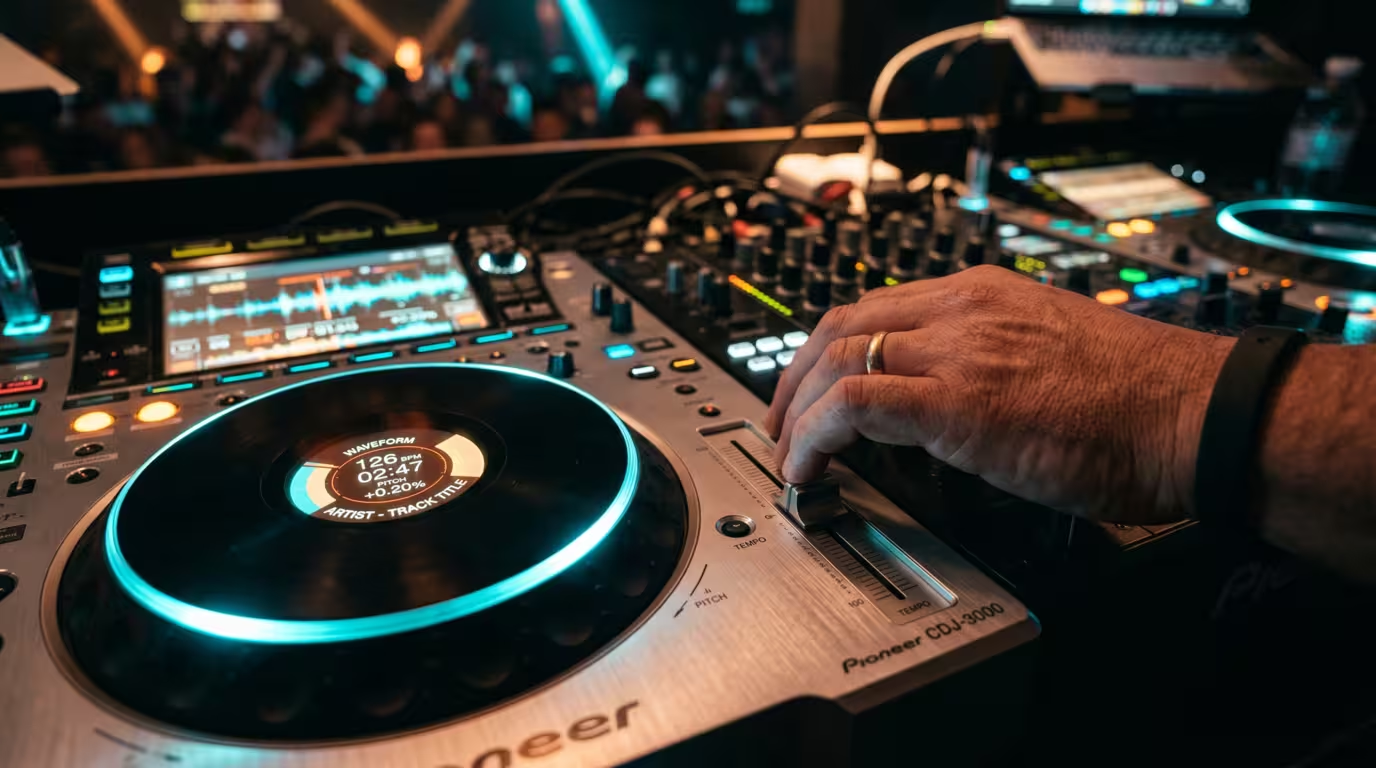
The first is the pitch fader (also called the tempo fader or slider): a long vertical fader that changes playback speed. The second is the jog wheel or platter: on turntables it is the spinning record itself; on CDJs and controllers it is a touch-sensitive wheel used for temporary nudges.
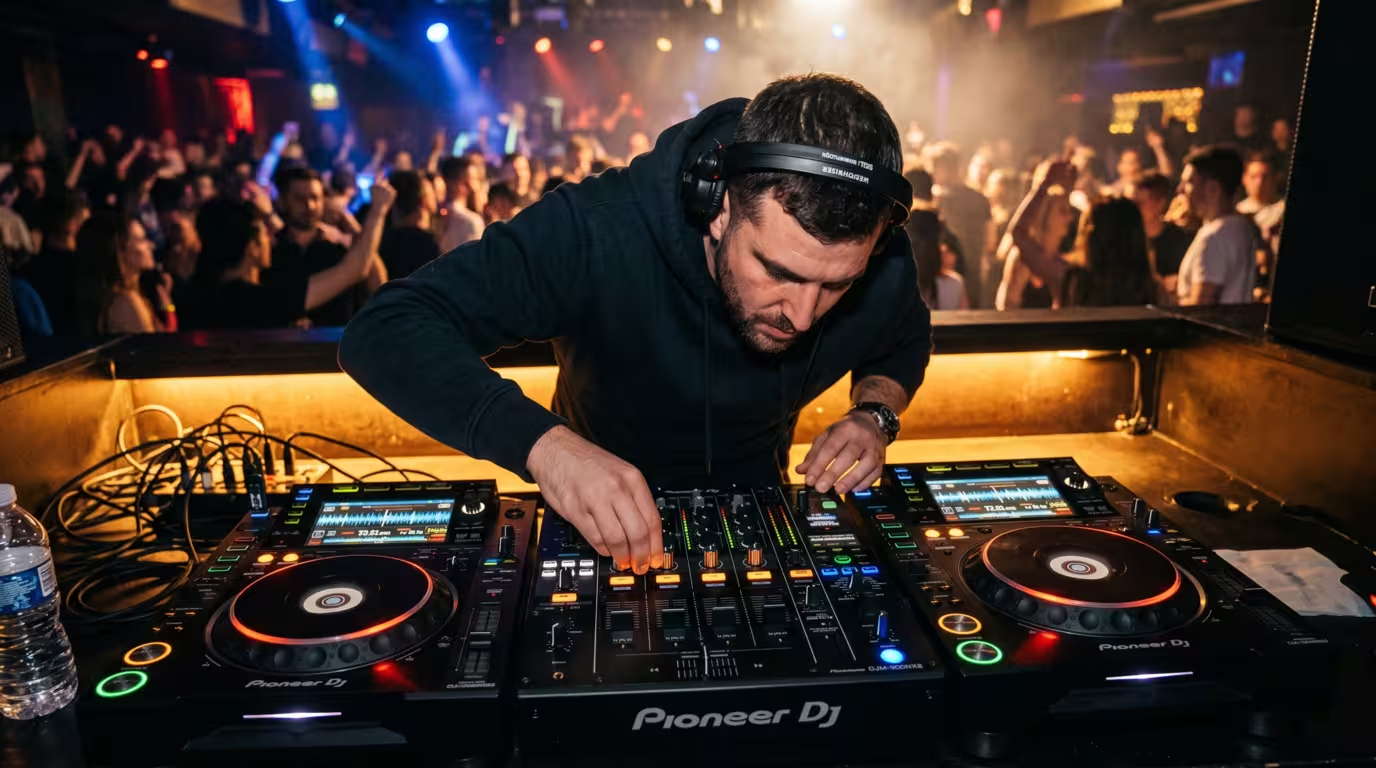
The third essential is headphone monitoring, or pre-fade listen (PFL). Your mixer or controller has a cue button on each channel that routes that track to your headphones only. Many mixers also offer split cue, which sends the cued track to one ear and the master mix (what the crowd hears) to the other, so you can compare the two beats directly. Many DJs instead use the classic one-cup technique — one headphone cup on, the cued track in it, the other ear open to the room.
Step-by-Step Manual Beatmatching
Here is the core process. Practice it slowly until each step is automatic.
1. Get the first track playing out to the audience. This is your master — the track you will match to.
2. Cue the second track in your headphones. Press the cue/PFL button for that channel, find the first strong beat or the downbeat of a phrase, and set a cue point there so you can restart cleanly.
3. Listen to both tempos and read the BPMs. Glance at the BPM counters if you have them to get into the right range, then trust your ears. Pick a starting tempo — a common approach is to meet in the middle between the two original BPMs.
4. Start the second track in time. Drop it (or hit play from your cue) on a beat of the master, counting 1-2-3-4 so you launch on beat one. You now hear the master in one ear or the room and the cued track in your headphones.
5. Compare the tempos and adjust the pitch fader. If the incoming beats creep ahead of the master, the track is too fast — pull the pitch fader down slightly. If they fall behind, it is too slow — push the fader up. Make small moves.
6. Correct the phase with the jog wheel or platter. If the incoming kick is landing just behind the master's, give the wheel a quick nudge forward (or a gentle push on a record) to catch up. If it is landing just ahead, drag a finger on the wheel or touch the side or label of the record to drop it back.
7. Fine-tune until the drift stops. Alternate tiny pitch adjustments and nudges. When the two beats merge into one and stay there with no drift, you are locked.
8. Bring it in. Now blend — using the crossfader, channel faders and EQ. For the techniques of the blend itself, see our Transitions and EQ Mixing articles.

Beatmatching by Ear: Listening Skills
The whole skill lives in your ears. Start by finding the kick drum — the low, steady boom on each beat — and the downbeat, the first kick of each bar. With both tracks audible, listen to how their kicks relate.
When the tempos are slightly off, the beats slowly separate and rejoin in a rolling, stumbling pattern DJs universally describe as galloping horses, or the dreaded train wreck. When you are close but not perfectly aligned, you hear a hollow, swirling flanging or phasing sound, and when a track is at the right tempo but out of phase you hear a clear doubling or echo — every beat sounded twice. Your job is to tighten that echo down to a single, solid beat. The classic confirmation is that when it is perfect, you genuinely cannot tell two tracks are playing — it sounds like one.
A trick experienced DJs repeat: deliberately set the cued track's pitch a touch faster than the master to begin with, so there is no ambiguity about which track is rushing; then ease it down until they lock. If you are struggling to hear the kicks against each other, pull the bass down on the cued channel so you can line up the hi-hats first.
Using the Pitch Fader and Jog Wheel Precisely
The pitch fader changes the track's speed, and on its own it also changes the pitch — speed a record up 5% and both tempo and pitch rise 5%. Modern gear offers master tempo (Pioneer's term) or key lock (Serato's and Traktor's term), which holds the musical key steady while you change speed; Serato's documentation notes that key lock even has scratch detection, so it disengages automatically when you scratch. Keep in mind that pushing tempo a long way with key lock on introduces audible artifacts, which is one reason DJs prefer to mix tracks with similar native tempos.
The fader has a range that sets how much speed change its full travel covers. On Pioneer CDJs you can select ±6%, ±10%, ±16% or WIDE. A narrower range gives you finer resolution: at the ±6% setting the tempo adjusts in steps as small as 0.02%, so small fader moves make tiny tempo changes — ideal for the precise matching of similar-BPM tracks — while WIDE spans all the way to ±100% for dramatic speed changes. Setting an appropriate range is one of the most overlooked beginner steps.
The jog wheel is for temporary nudges, not lasting speed change. On controllers and CDJs you usually choose between two modes: in vinyl mode the top of the wheel acts like a record (touch it and the track stops; use the outer edge to nudge), while in CDJ mode the whole wheel pitch-bends without stopping playback. On real turntables you nudge by pushing the platter or the record label to speed up momentarily, and slow down by touching the side of the platter, brushing the label, or lightly dragging a finger near the spindle. A quick tap on the top of a wheel or platter is a fast way to drop a track back when you have started slightly early.
Visual Aids Versus Pure Ear
CDJs and software give you waveforms, beat grids and BPM counters that let you see alignment and read tempo. These are genuinely useful — there is no shame in glancing at a waveform — but they are a crutch if you never look away. Beat grids can be wrong, BPM readouts can be inaccurate, and some club setups don't stack waveforms at all.
The widely shared advice from DJ schools and communities is to learn with the display visible so you understand what you are hearing, then tape over the BPM counter and practise by ear. The ear-training you build this way is what lets you mix on any gear, recover when the software misreads a track, and feel the music rather than watch it.
Beatmatching Versus Sync
Almost all modern gear has a sync button that automatically matches the tempo and phase of two tracks. It works by reading the analyzed beat grids and locking one deck to another, and it is genuinely useful — it frees you to focus on EQ, effects, loops, harmonic mixing or working three and four decks at once.
So is it worth learning to do it by hand? The honest, even-handed answer from across the DJ world is yes. Mixcloud's discussion of the sync debate frames the button as both a gift and a curse. Sync fails on tracks with bad beat grids — older recordings, live drummers, some hip-hop and funk — and it doesn't help when you are matching to another DJ's deck, a vinyl source or an unanalyzed file. Beyond reliability, beatmatching by ear deepens your understanding of song structure and timing and simply makes you a more capable, confident DJ. The modern consensus is a hybrid: know how to do it manually, then use sync strategically when it serves the performance. We cover the sync workflow itself in a separate Using Sync article; learn the manual skill first.
Common Mistakes and Troubleshooting
The faults below catch nearly every beginner. Most come down to confusing a tempo problem with a phase problem.
| Symptom | Likely cause | What to do |
|---|---|---|
| Beats drift apart over time | Tempos not actually matched | Re-match with the pitch fader |
| Constant jog-wheel chasing | Fixing phase instead of tempo | Set tempo first, then nudge once |
| Doubled/stumbling rhythm from the start | Started off-beat (wrong phase) | Restart from your cue on beat one |
| Wild tempo jumps from tiny fader moves | Pitch range too wide | Switch to a ±6% range |
| Pitch sounds off when sped up | Key lock/master tempo off | Turn key lock on |
Other classic traps: trusting an inaccurate BPM readout instead of your ears; not counting phrases so your tracks are beat-matched but land on the wrong bar; monitoring problems (cue volume too low, or split cue not set); and trying to beatmatch tracks with variable or live tempo, which genuinely fight back — start with steady, programmed 4/4 material.
The single best practice tip is to start easy. Pick two tracks in the same genre with BPMs within about five of each other, ideally with clear, simple kicks. A powerful drill is to load two copies of the same track, offset one by a couple of percent, and lock them by ear — since you know they are identical, you learn exactly how phasing and drift sound. Then see how long you can keep two tracks locked, riding the pitch with constant tiny adjustments. That is the same discipline vinyl forces on you, and it is the heart of the craft.
Key takeaways
• Beatmatching = matching tempo (BPM, via the pitch fader) and phase (beat alignment, via the jog wheel/platter); both must be right.
• Constant drift means the tempos aren't truly matched; a steady doubled beat means phase is off but tempo is fine.
• Cue the incoming track in headphones, drop it on beat one, then match by ear — listen for the galloping and flanging sounds.
• Use a narrow pitch range (±6%) for fine control and turn on key lock/master tempo to hold the key.
• Use visual aids to learn, but train your ear; learn manual beatmatching even if you use sync.
• Practise with similar-BPM tracks in the same genre — or two copies of one track — to build the skill fast.
Ready-made, exclusive EDM tracks with full rights — released as your own.
