The file format your tracks are saved in decides how they sound on a big club system, how many you can fit on a USB stick, and whether your CDJs or laptop will even load them. Get it right and you never think about it again; get it wrong and you are either dragging muddy 128 kbps files onto a festival rig or discovering at the worst moment that the decks refuse to read your library. This guide explains the formats DJs actually encounter — WAV, AIFF, FLAC, ALAC, MP3, AAC/M4A and OGG Vorbis — and gives you clear rules for what to buy, store, and play. (Sample rate and bit depth are touched on here as they affect file size and compatibility; a dedicated article in this category will cover that theory in depth.)
Why File Formats Matter for DJs
A DJ's relationship with audio files is different from a casual listener's. You are pushing the music through powerful amplifiers and large speaker arrays, where flaws that are inaudible on earbuds become obvious — harsh, swishy high frequencies and a general lack of clarity are the giveaways of a low-quality file played loud. You are also managing a library that can run to thousands of tracks on portable drives, so file size and storage genuinely matter. And your music has to load on whatever you are playing on: CDJs reading a USB stick, a laptop running Serato or Traktor, or a controller.
That gives every DJ three competing priorities: quality (it has to sound good loud), compatibility (your gear has to play it), and reasonable size (it has to fit and transfer quickly). Almost every format decision is a trade-off between those three. The good news is that modern storage is cheap and modern gear is flexible, so you rarely have to compromise much — as long as you start from a high-quality source.
Lossless vs Lossy: The Core Idea
Every format a DJ uses falls into one of two camps, and understanding the difference is the single most important concept here.
Lossless formats preserve all of the original audio data. Some are uncompressed (WAV, AIFF), storing raw PCM samples exactly as recorded; others use lossless compression (FLAC, ALAC), which shrinks the file but decodes back to a bit-for-bit identical copy of the original — the same idea as a ZIP file, but tuned for audio. Either way, you get the full quality of the master, at the cost of larger files.
Lossy formats (MP3, AAC, OGG Vorbis) use perceptual coding: they permanently discard parts of the signal that psychoacoustic models predict most people will not hear — very high frequencies, quiet sounds masked by louder ones, certain stereo detail. This makes the files dramatically smaller. At low bitrates the loss is audible; at high bitrates it is close to imperceptible.
Here is the rule that trips up the most DJs: you cannot restore quality that lossy compression has thrown away. Converting a 128 kbps MP3 up to WAV or FLAC does not improve it — it just wraps the same degraded audio in a bigger file. As DJ-education guides bluntly note, it is a pointless exercise. Worse, files sold or shared as lossless are sometimes fakes: a low-bitrate MP3 transcoded into FLAC, which carries a premium file size but the poor sound of its lossy source. The only real fix is to obtain the highest-quality source in the first place.
The Lossless Formats
WAV
WAV (Waveform Audio File Format) was developed by Microsoft and IBM in 1991 and is the workhorse uncompressed format on Windows, normally storing linear PCM — the same encoding used on audio CDs. It is universally supported, sounds pristine, and is easy to edit. Its two drawbacks for DJs are size (a three-minute CD-quality track is roughly 30 MB) and metadata: WAV has poor, non-standardised support for embedded tags, so artist, title, genre and other information is easily lost. That is a real annoyance for library management, though some DJ software works around it by storing tags in its own database.
AIFF
AIFF (Audio Interchange File Format) is Apple's uncompressed format, introduced in 1988. Sonically and in file size it is identical to WAV — both are raw PCM — but AIFF has noticeably better, more standardised metadata support, handling tags and album art more reliably. For a DJ who wants uncompressed quality and a well-tagged library, AIFF is often the smarter of the two uncompressed choices.
FLAC
FLAC (Free Lossless Audio Codec) is the open, royalty-free lossless format from the Xiph.Org Foundation, and it is the one to know. It achieves a compression ratio of 50 to 70 percent of the original size with zero quality loss, decoding to a bit-perfect copy. It also supports rich metadata, tags, and cover art. In December 2024 FLAC was formally published as an IETF Standards Track document, RFC 9639, which defines the FLAC format and its streamable subset and explicitly adds 32-bit audio support — cementing its status. For DJs it is the sweet spot: full lossless quality, meaningful storage savings, proper tagging, and increasingly broad support across DJ software and hardware.
ALAC
ALAC (Apple Lossless Audio Codec) is Apple's equivalent of FLAC — a compressed lossless codec that produces files of similar size and identical quality. Apple says it uses about half the storage space the uncompressed data requires, with testers measuring roughly 40 to 60 percent of the original depending on the music. It is normally delivered in an MP4 container with the .m4a extension, which causes a common confusion: the same .m4a extension is also used for lossy AAC. ALAC is not a variant of AAC; they just share a container. Apple released the ALAC encoder and decoder sources on October 27, 2011 under the Apache License 2.0 — confirming that a decoded ALAC stream is bit-for-bit identical to the original uncompressed file — and it is the format behind Apple Music's lossless tier. If you live in the Apple ecosystem and want lossless with tags, ALAC is the natural pick; for everything else, FLAC is more widely supported.
The four lossless formats sound identical when decoded — the differences are size, tagging and compatibility.
| Format | Compression | DJ notes |
|---|---|---|
| WAV | Uncompressed | Universal, large, weak tagging |
| AIFF | Uncompressed | Like WAV, better tags (Apple) |
| FLAC | Lossless compressed | 50–70% of WAV size, open, great tags |
| ALAC | Lossless compressed | FLAC-equivalent in Apple's .m4a |
The Lossy Formats
MP3
MP3 is the format that put digital music in everyone's pocket, and it remains the most universally compatible choice — essentially every device made in the last two decades plays it. Quality is set by bitrate, measured in kilobits per second; the maximum standard bitrate is 320 kbps, and that is the widely accepted minimum for serious DJ use. The evidence that this is good enough is strong: a 2007 study in the Journal of the Audio Engineering Society found that even trained listeners on high-end monitoring equipment could not reliably distinguish high-bitrate files from CD-quality audio, and large-scale Hydrogenaudio ABX tests put 320 kbps MP3 versus lossless success rates at only around 50 to 55 percent — statistically indistinguishable from guessing. MP3 supports two main encoding modes: constant bitrate (CBR), which holds the same rate throughout, and variable bitrate (VBR), which allocates more data to complex passages for a better quality-to-size ratio. For DJing, a 320 kbps CBR MP3 is a safe, predictable standard; avoid anything at 128 kbps for club playback.
AAC / M4A
AAC (Advanced Audio Coding) was designed as MP3's successor and is generally more efficient — it delivers cleaner sound than MP3 at the same bitrate because it uses a purely MDCT-based algorithm rather than MP3's older hybrid coding. That advantage is most pronounced at lower bitrates and largely disappears by 256 to 320 kbps. AAC files usually live in an MP4 container with the .m4a extension. This is the format Apple's iTunes Store and Apple Music downloads use, at 256 kbps. Two cautions for DJs: first, remember .m4a can hold either lossy AAC or lossless ALAC, so check what you actually have. Second, watch for DRM — older iTunes purchases (before 2009) used FairPlay-protected .m4p files that DJ software cannot play, whereas modern iTunes Store downloads (iTunes Plus, 256 kbps AAC) are DRM-free. Tracks downloaded from an Apple Music subscription remain DRM-protected and are not usable in DJ software.
OGG Vorbis
OGG Vorbis is an open, patent-free lossy codec, also from Xiph.Org. It is roughly comparable to AAC and generally better than MP3 at the same bitrate, and it is best known as the format Spotify streams (96, 160 and 320 kbps depending on quality setting). In the DJ world it is less common as a purchased download format, but it is worth knowing because several DJ applications do support it.
| Format | Type | DJ notes |
|---|---|---|
| MP3 | Lossy | Universal; use 320 kbps; the historic DJ standard |
| AAC / M4A | Lossy | More efficient than MP3; 256 kbps from Apple; watch DRM |
| OGG Vorbis | Lossy | Open; Spotify's format; less common as a DJ download |
Bitrate, Sample Rate and Bit Depth in Brief
Three numbers describe audio quality, and for formats they matter in different ways. Bitrate (kbps) is the key dial for lossy formats — higher means better; 320 kbps for MP3 and 256 kbps for AAC are the practical high marks. Sample rate (kHz) and bit depth (bits) describe the underlying PCM audio; CD quality is 44.1 kHz / 16-bit, and that is perfectly sufficient for DJing. Higher figures exist — 48 kHz, 88.2 kHz, 96 kHz, and 24-bit — and some lossless files use them, but the audible benefit for club playback is marginal and the main effect is larger files. The practical takeaway: for DJ purposes, source quality and (for lossy) bitrate matter far more than chasing high sample rates. A dedicated sample-rate and bit-depth article in this category will go deeper into the theory.
What Formats Does DJ Gear Support?
Before any gig, confirm your format works on the gear you will use, because support varies by platform and by hardware generation. The current picture among the major platforms is reassuringly broad:
• rekordbox / Pioneer DJ supports FLAC, ALAC, WAV, AIFF, MP3 and AAC.
• Pioneer's flagship CDJ-3000 plays WAV, AIFF, FLAC and Apple Lossless at 44.1/48/88.2/96 kHz and 16/24-bit, plus MP3 and AAC at 44.1/48 kHz and 16-bit. It was the first CDJ to support FLAC and ALAC natively — older models such as the CDJ-2000NXS do not play FLAC at all.
• Serato DJ Pro supports MP3, OGG, FLAC, ALAC, AIF, WAV, MP4, M4A and AAC (with some platform-specific caveats).
• Traktor Pro supports MP3, WAV, AIFF, FLAC, Ogg Vorbis and non-DRM AAC.
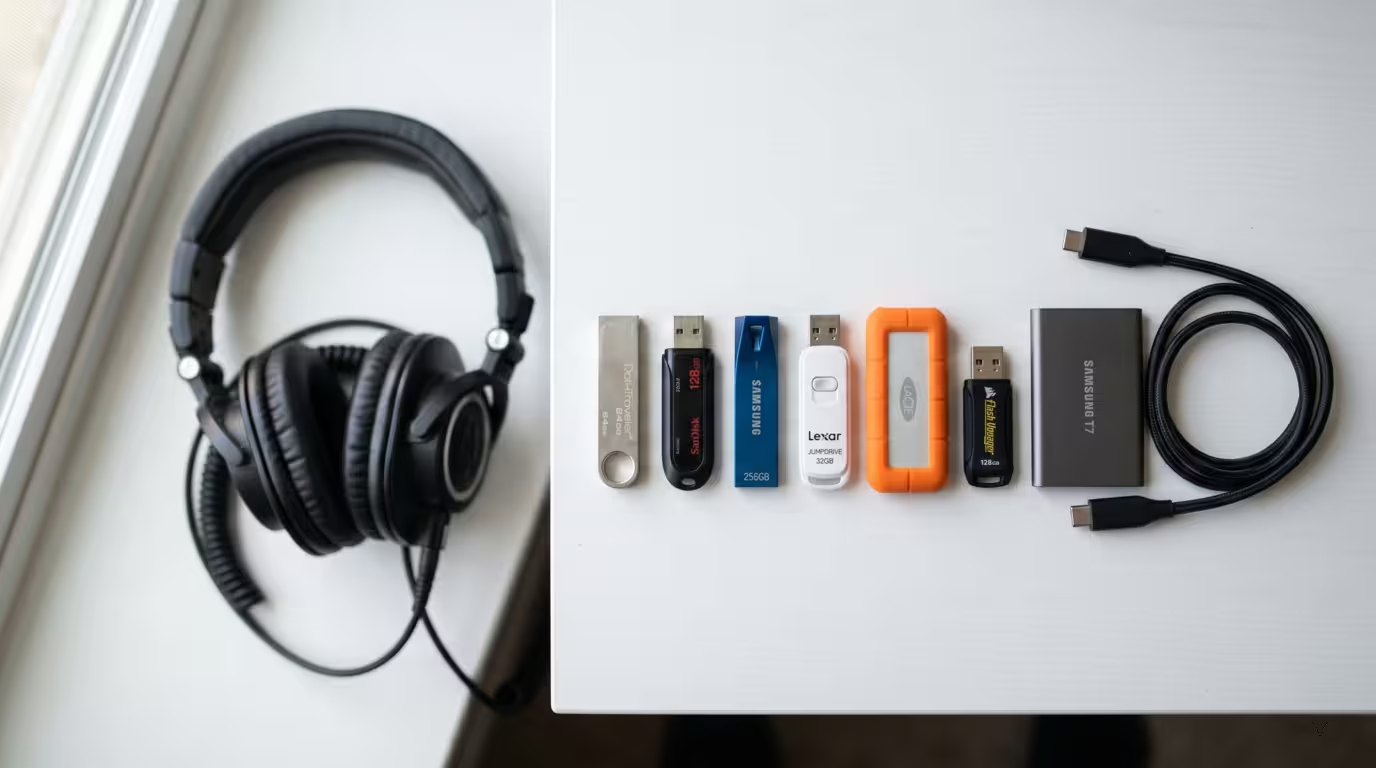
Two practical compatibility traps catch DJs out. First, tracks exported from a DAW are often 32-bit float WAVs, which the CDJ-3000 silently refuses to load — it accepts only 16- or 24-bit PCM. Second, your USB drive's filesystem matters: CDJs want FAT32 or HFS+, not NTFS. When in doubt, MP3, WAV and AIFF are the most universally safe; FLAC is now widely supported on current gear; and DRM-protected files will not play anywhere in DJ software.
Tagging, Metadata and Library Management
A well-organised library lives and dies by its metadata — artist, title, genre, key, BPM, comments and artwork. This is where format choice has a quiet but real impact. AIFF, FLAC, MP3 and AAC all handle tags well. WAV is the weak link: its tagging is limited and non-standardised, so information is easily lost in conversions or transfers. If you want both uncompressed quality and dependable tags, AIFF beats WAV; if you want lossless, smaller files and excellent tags, FLAC is ideal. ALAC tags well too within the Apple world. Note that some DJ software stores its own analysis (beatgrids, cue points) and metadata in a separate database, which softens WAV's weakness in practice — but you should still prefer a well-tagging format for a portable, future-proof library. (For sourcing and organising the tracks themselves, see Building a DJ Music Library.)
Detecting Fake and Low-Quality Files
Because you cannot hear a file's history directly, fake lossless files are a genuine hazard: a 128 or 320 kbps MP3 transcoded into FLAC or WAV looks premium but sounds like its lossy source. The standard way to spot one is spectral analysis with a tool such as Spek, which displays the track's frequency content. Lossy encoders impose a sharp high-frequency cutoff — roughly 16 kHz for a 128 kbps MP3 and around 19 to 20 kHz for 320 kbps — so a FLAC that abruptly stops dead at, say, 16 or 19 kHz instead of extending naturally toward the roughly 22 kHz ceiling of a 44.1 kHz file has almost certainly been transcoded. You do not need to analyse every file; the practical defence is simply to buy from reputable sources that deliver genuine high-bitrate or lossless audio.
Practical Recommendations for DJs
Putting it together, here is how to decide:
• Always source the highest quality available. Buy lossless (WAV, AIFF, FLAC or ALAC) where offered, or 320 kbps MP3 / 256 kbps AAC as the minimum. Never build a club library on 128 kbps files, and never trust an upscaled file.
• For quality on club systems, lossless or 320 kbps MP3 / 256 kbps AAC are all genuinely fine — most people cannot tell 320 kbps from lossless, and lossless mainly buys you archival peace of mind and future-proofing.
• For storage and USB use, FLAC or ALAC give you lossless quality at roughly half the size of WAV/AIFF, with good tagging — the best all-round choice for most DJs. If space is tight, 320 kbps MP3 is a sensible fallback.
• For maximum compatibility, MP3, WAV and AIFF play almost everywhere; FLAC is now widely supported on current gear but verify older players; check your specific decks before a gig.
• Keep a lossless archive if you can, and export or convert down to lossy only when you need to — never the other way around.
• Mind the gotchas: WAV's weak tagging, DRM-protected AAC, 32-bit float WAVs that won't load, and the right USB filesystem for CDJs.
Key takeaways
• Lossless (WAV, AIFF, FLAC, ALAC) keeps all the audio; lossy (MP3, AAC, OGG) discards some to save space — and you can never get it back.
• FLAC and ALAC give full lossless quality at about half the size of WAV/AIFF, with proper tags — the best balance for most DJ libraries.
• For lossy, 320 kbps MP3 and 256 kbps AAC are the practical minimums and sound transparent to almost everyone.
• Converting a low-bitrate file up to a lossless format never improves it; always start from the best source and beware fake lossless transcodes.
• Check format and filesystem compatibility with your specific gear — and watch out for DRM-protected files.
Ready-made, exclusive EDM tracks with full rights — released as your own.
