Releasing music independently means putting your own music onto streaming services and stores — Spotify, Apple Music, Beatport and the rest — without signing to a record label, usually by paying a music distributor to deliver it for you. You keep ownership of your masters, a larger share of the revenue, and full control over timing and creative direction; in exchange, you do the work and marketing yourself. This guide walks through the full self-release process, from a finished master to collecting royalties. It is general educational information, not legal or financial advice — distributor prices and features change often, so always confirm current details with the services themselves.
What independent releasing means — and why
An independent (or indie) artist is, at its simplest, a musician who operates without a contract with a major record label. As Wikipedia's overview of independent music puts it, the music is produced independently from commercial record labels, often with a do-it-yourself approach to recording and publishing. For a producer in 2026, that no longer means burning CDs in a bedroom — it means using widely available tools to reach a global audience directly.
The appeal is straightforward. You own your recordings, you choose when and what to release, you don't need anyone's permission, and you keep most or all of the money your music earns. The trade-off is equally real: there's no label fronting marketing budgets, no built-in audience, no A&R guidance, and no team doing the work for you. Signing to a label is the other route — see How to Send a Demo to a Label and the dedicated record-labels article for that path. This article is about the self-release alternative.
Independent does not mean doing everything alone. Self-releasing artists still rely on distributors to reach platforms, performing-rights organizations (PROs) and mechanical collectors to gather royalties, and optional promotion or playlist-pitching services. Independent describes who controls the music and the rights — not whether you accept any help at all.
Get the track genuinely release-ready
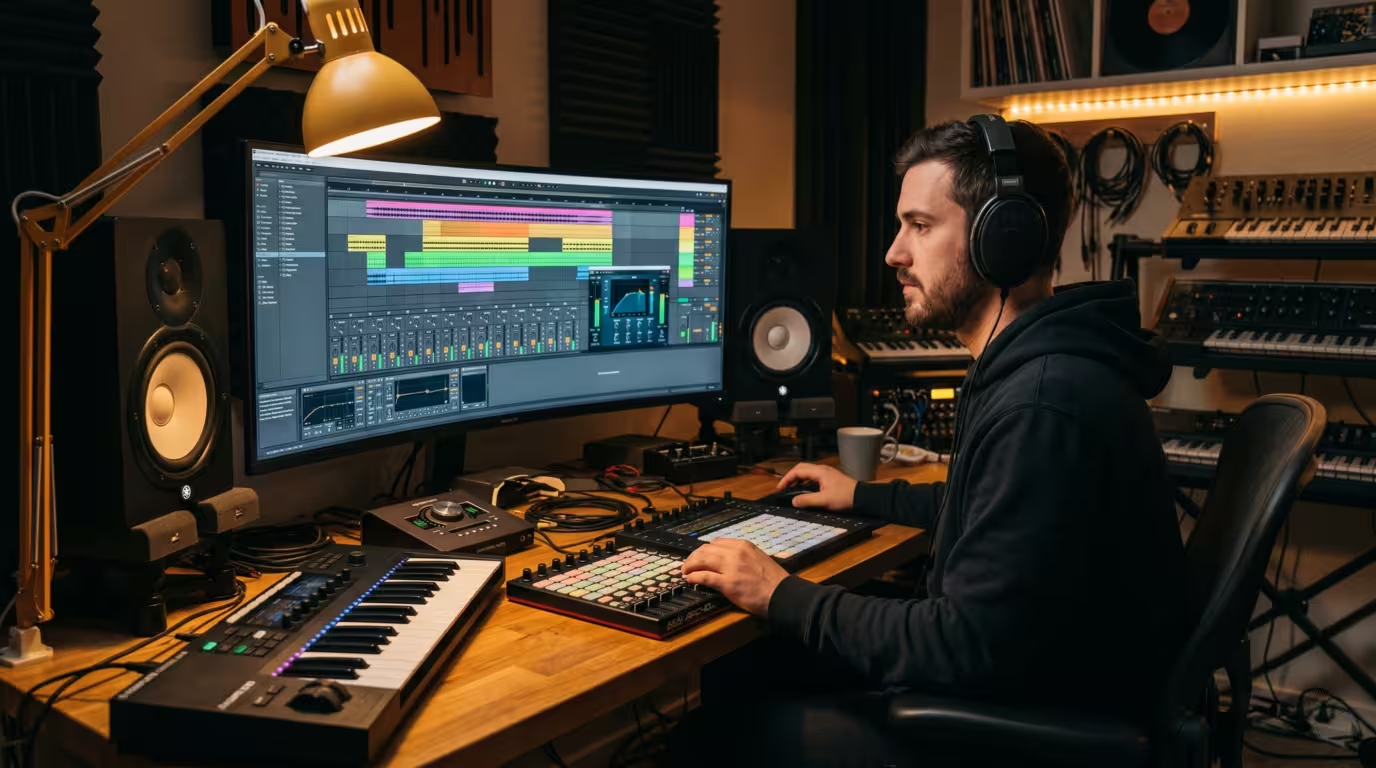
Before anything else: the music must be finished, mixed, and mastered to release standard. You'll upload a high-quality master file — typically a WAV (some platforms accept or prefer FLAC) — and that file is what listeners hear everywhere, more or less permanently. (For the technical side of formats and mastering, see the relevant audio articles.)
This step matters more than any distributor choice. A release is a one-shot event: you get a release date, a shot at playlist consideration, and a wave of first-day attention. Spending that on a weak or unmastered track wastes the opportunity. Be honest about whether the track is your best work and genuinely competitive with what's already on the playlists you're targeting. If it isn't ready, finish it before you schedule anything.
Choose a distributor
You generally cannot upload directly to Spotify or Apple Music as an independent artist — you go through a distributor (sometimes called an aggregator). Spotify's own help page on getting music on Spotify states plainly that distributors handle music distribution and pay streaming royalties, and tells artists to work with a distributor to get their music on the platform. Spotify briefly tested a direct-upload tool for independent artists in 2018, but it closed that beta in July 2019, concluding that music distribution is best handled by partners. So a distributor is, in practice, mandatory.
A distributor does three core things: it delivers your audio and metadata to dozens or hundreds of stores and streaming services; it collects your master (sound-recording) royalties from those platforms; and it pays you, minus any fee or cut. Most also offer extras — pre-save tools, royalty splits, YouTube Content ID, publishing-administration add-ons, and access to dance-music stores like Beatport.
The two main pricing models
Broadly, distributors charge in one of two ways, and the difference matters most as your streams grow. Subscription / flat-fee distributors charge an annual fee and let you keep roughly 100% of your streaming royalties. Per-release-fee and/or revenue-share distributors charge once per release and/or take a percentage commission. There are also hybrids. Symphonic's own blog frames the choice well: flat fees give full control and long-term value, especially if you release often, while revenue-share suits artists who want to avoid upfront costs and value bundled marketing services.
The figures below are illustrative examples gathered during research and change frequently and without notice — always confirm current pricing on each company's site before committing.
| Distributor (example) | Model and rough cost |
|---|---|
| DistroKid | Annual subscription (around $22.99/yr for one artist, ~$39.99/yr for the two-artist tier); keep ~100% of DSP royalties; YouTube Content ID is a paid add-on with a ~20% cut |
| TuneCore | Paid annual subscription tiers (roughly $24.99-$49.99/yr); keep 100% of DSP royalties; publishing-admin add-on takes ~20% of what it collects |
| Amuse | Paid annual plans; keep ~100% of royalties; mobile-first |
| LANDR | Subscription; keep 100% while subscribed; if you cancel, music stays live but they take a ~15% cut going forward |
| CD Baby | One-time fee per release ($9.99 single, $14.99 album, no annual fee); keeps ~9% of digital revenue (you get ~91%); music stays live permanently |
| Symphonic | Starter annual fee (keep 100%) or revenue-share Partner plan (~15%); strong electronic/Beatport coverage |
There is no single best distributor — the right choice depends on how often you release, your budget, the stores you need, and the features you want. A useful exercise is to estimate your break-even point: one analysis puts it around $300 to $400 in annual revenue — below that, a per-release-plus-commission model like CD Baby's can be cheaper, while above it the percentage cut makes a flat annual subscription more economical. Note one important catalog detail: most subscription distributors remove your music if you stop paying, whereas one-time-fee models like CD Baby keep it live — so check what happens to your releases if you cancel. (Bear in mind, too, that independent distributors are themselves consolidating — CD Baby, for example, is part of the larger Downtown Music group — which can affect terms over time.)
Prepare your metadata and assets
To release, you'll need the master audio plus correct artwork and accurate metadata. Getting these right is not busywork — bad metadata is one of the most common reasons royalties go unmatched and unpaid.
Artwork
You need square cover art that meets platform specs. Spotify's cover art requirements call for a 1:1 (square) image, in TIFF, PNG, or JPG with lossless encoding, between 640px and 10,000px on each side, in the sRGB colour space — with 3000x3000px a common recommended target. Crucially, the artwork must be free of infringing content: don't use copyrighted images, logos, or photos you don't have the rights to, as these can get a release rejected or removed.
Metadata, ISRC and UPC
Your metadata includes the track title, artist name(s), any featured artists, genre, release date, and credits/songwriter splits. Two industry identifiers also attach to every release.
| Item | What it is |
|---|---|
| ISRC | International Standard Recording Code — uniquely identifies a single sound recording, used for tracking and royalties |
| UPC/EAN | The barcode that identifies the release (single, EP, or album) as a product |
| Cover art | Square image meeting platform specs, free of infringing content |
| Master audio | The final, mastered WAV (or FLAC) file you upload |
An ISRC identifies the recording, not the song. The IFPI — the body that administers the standard — explains on its ISRC site that the code lets sound recordings and music videos be uniquely and permanently identified, and that it identifies the recording itself rather than the underlying song, so an original track, a remix and a remaster each carry their own ISRC. (The composition is identified separately by an ISWC.) You don't need to buy ISRCs: distributors typically assign them for free, and IFPI and SoundExchange have even introduced automated ISRC assignment. The UPC/EAN is the product barcode for the release, and distributors normally supply one free as well. Each release needs its own unique UPC; never reuse one.
Accurate metadata is what lets streaming services, charts, and royalty systems match earnings to you. For how this metadata feeds royalty registration, see PROs and Royalty Collection.
Set a release date and use pre-saves
Don't release the moment you upload. Submit your finished track to your distributor weeks before the release date — a common recommendation is around three to four weeks (or more) — so the release propagates to stores and, critically, so you can pitch for playlists.
To be considered for Spotify's editorial playlists, you must pitch an unreleased track through Spotify for Artists. Spotify's help page on pitching to playlist editors advises delivering your music at least 7 days before its release date so editors have time to listen, and notes that pitching at least 7 days out also lands the song in your followers' Release Radar on release day. Seven days is the floor, not the target — most experts recommend pitching two to four weeks ahead, because editors plan playlists well in advance. You can only pitch one song per release, and you can't pitch a track that's already out.
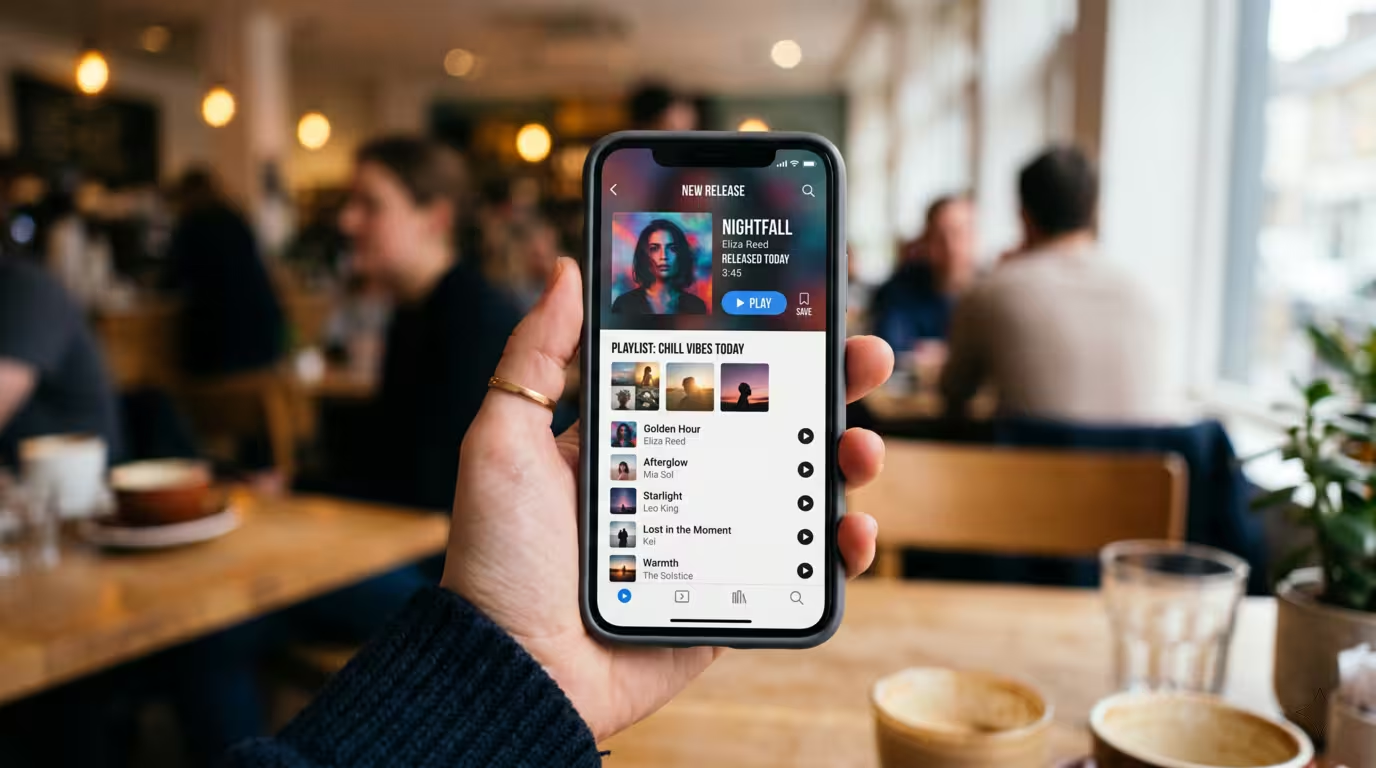
Pre-save campaigns are the streaming-era equivalent of a pre-order: fans click a link before release day to have the track automatically saved to their library (Apple Music calls it pre-add) the moment it drops. The payoff is a burst of first-day streams and saves, which signals demand to the algorithms and can improve your chances on playlists like Release Radar. Pre-saves require a future release date, which is another reason to schedule with lead time. Distributors and dedicated tools both offer pre-save links.
The release rollout and promotion
Promotion is where independent releasing demands the most from you, and it's a topic deep enough for its own articles — here's the short version. Build anticipation in the weeks before release across your social channels and mailing list; drive pre-saves; pitch Spotify editorial playlists via Spotify for Artists and reach out to independent/user playlist curators; line up premieres or blog coverage; send the track to DJs who might play it; and have an electronic press kit ready. Consistency over time matters more than any single drop. For depth, see Social Media for DJs, Building a DJ Brand, and Building a DJ Press Kit.
Collect your royalties properly
This is the step most independent artists get wrong. Your distributor collects your master/recording royalties from streams and sales and pays them to you (minus any fee or cut). But that is only the recording side. The same streams also generate composition royalties — performance royalties and mechanical royalties — that your distributor does not collect.
To capture those, you must register separately:
• A PRO (performing-rights organization such as ASCAP, BMI, PRS, etc.) collects songwriter performance royalties.
• A mechanical collector — in the US, The Mechanical Licensing Collective (The MLC) — collects digital mechanical royalties. Spotify for Artists, quoting The MLC, is blunt about it: you have to join both a PRO and The MLC to get your full royalties from your streams in the US. A publishing-administration service (Songtrust, CD Baby Pro, TuneCore Publishing, etc.) can handle these registrations — including international collection — for you.
In short: using a distributor does not collect your performance and mechanical royalties. If you only ever sign up with a distributor, you're potentially leaving a meaningful slice of money — often roughly 15 to 25% on top of distributor payments, on the same streams — uncollected. Don't re-learn royalty theory here; see How Music Royalties Work and PROs and Royalty Collection for the full picture. The key takeaway: the distributor is not the whole royalty picture.
Keeping ownership and control
The headline advantage of releasing independently is that you keep it all: you own your masters and rights, you keep a larger share of revenue, and you control timing and creative direction. A typical label deal trades some of that ownership and control for funding, marketing muscle, and an existing audience. Neither is universally better — it's a trade-off, and the responsibility (and the upside) sits with you when you go independent. For the comparison, see How to Send a Demo to a Label and the record-labels article.
The ghost-production and ownership tie-in
There's one non-negotiable prerequisite to releasing a track independently: you must own it. Distributors require you to confirm you control the rights to everything you upload. DistroKid's distribution agreement requires that you own or otherwise hold the legal right to reproduce and distribute 100% of the recordings, compositions and any other material you upload, and TuneCore's support puts it just as plainly: you cannot distribute content through TuneCore unless you have 100% of the rights to it. Every major distributor reserves the right to remove music and withhold payment if you don't hold the rights, and makes you liable for breaching that warranty.
This matters directly if you're releasing a ghost-produced or ready-made track that someone else originally made. You can legitimately release such a track as your own only if you've acquired the exclusive rights/ownership to it — so that you genuinely control the master and can register the work. Make sure your agreement actually transfers those rights before you schedule a release. For the detail on how that works, see Buying Ready-Made Tracks and Ghost Production Contracts and Rights. The simple rule: never release a track you don't own.
Bandcamp, Beatport and other options
The big streaming platforms aren't the only outlets. Bandcamp is a direct-to-fan store you set up yourself; according to Bandcamp, when a fan buys something an average of 82% of the money goes to the artist or their label, with the platform taking a revenue share (around 15% on digital, 10% on physical) plus payment-processor fees. It's strong for selling music and merch directly to dedicated fans and keeping a large share of the income.
For dance music, Beatport and Traxsource are key download stores aimed at DJs — but you typically can't upload to them directly. Beatport's support is explicit: to make your music available on Beatport you need to work either with a record label that distributes to Beatport or with a distributor that supports independent artists. So you reach Beatport through a label or through a distributor that has access (several do, with electronic-focused distributors being a common route, sometimes for an extra fee). If dance stores matter to you, confirm Beatport/Traxsource access when choosing a distributor.
Practical tips, common mistakes, and a quick summary
A workable self-release sequence looks like this: finish and master the track; pick a distributor that fits your release frequency and budget; prepare clean artwork, accurate metadata, and confirm your ISRC/UPC; set a release date with several weeks of lead time; pitch playlists and run a pre-save campaign; promote across your channels; register with your PRO and The MLC (or a publishing admin) so you collect composition royalties too; and keep releasing consistently.
The most common mistakes are avoidable: releasing unfinished or unmastered tracks; leaving no lead time and missing playlist pitching and pre-saves; sloppy metadata or infringing artwork; relying only on the distributor and never collecting composition royalties; doing zero promotion; releasing tracks you don't own; expecting instant success; and choosing the wrong distributor for your needs. Get the fundamentals right and releasing independently becomes a repeatable system rather than a gamble.
Key takeaways
• Releasing independently = getting your music onto streaming/stores without a label, via a distributor; you keep ownership and most revenue but do the work yourself.
• You generally can't upload directly to Spotify — a distributor is required; compare pricing models (subscription vs. per-release/revenue-share) and remember prices/features change.
• Prepare a finished master, square non-infringing artwork, and accurate metadata; distributors usually supply your ISRC (recording ID) and UPC (release barcode) free.
• Schedule weeks ahead — pitch Spotify editorial playlists at least 7 days before release (ideally 2-4 weeks) and run a pre-save campaign.
• The distributor only collects master royalties; register with a PRO and The MLC (or a publishing admin) to collect composition royalties too.
• You must own the track to release it — for ghost-produced/bought tracks, secure exclusive rights first. This is general info, not legal/financial advice; verify current details with the services and professionals.
Ready-made, exclusive EDM tracks with full rights — released as your own.
