Sooner or later, your gear will fail in front of a crowd. A USB won't read, a laptop freezes, the sound drops out, or a cable dies — and it happens to bedroom beginners and headliners alike. What separates the professional from the amateur is not avoiding every failure; it is recovering from it calmly and quickly. This guide is the live-crisis playbook: what to do in the moment when the music stops, how to keep your composure, and how to get sound back on as fast as possible.
Failure is normal — recovery is the skill
The single most important thing to internalise is that equipment failure is a near-universal experience. Pioneer DJ's own guide to common DJ issues puts it plainly: if you DJ regularly, the law of averages means something will eventually go wrong. Even the biggest names are not immune. On 21 October 2025, Pioneer DJ/AlphaTheta released CDJ-3000 firmware Version 3.30 (adding its new OneLibrary support), and within days DJs around the world found their prepared playlists showing up blank on the players; AlphaTheta suspended distribution on 4 November after the complaints flooded in. BBC Radio 1's Jaguar was among those caught out mid-set at London's Drumsheds (more on that below).
So the goal is not a flawless career with zero glitches — that doesn't exist. The goal is to become the DJ who can absorb a failure, fix it without drama, and keep the floor moving. As DJ educator Harold Heath wrote for DJ TechTools, what goes wrong matters far less than how you deal with it — and handling it well is what makes you as a DJ. A brief silence or a glitch is survivable. The show goes on.
This article focuses on the live recovery. For preventing failures before you leave home, see the DJ Set Preparation Checklist and Caring for DJ Equipment; for preparing your USBs correctly, see Preparing USBs for CDJs.
Stay composed: the crowd takes its cues from you
The number one in-the-moment skill is staying calm. Panic narrows your thinking and makes you fumble — many a DJ has yanked the wrong cable in a rush and turned a small problem into total silence. As one Digital DJ Tips contributor admitted after a nightmare gig, they had been guilty of exactly this — unplugging the wrong USB or audio cable in the panic and causing dead air, about the worst thing that can happen mid-set.
Equally important: the crowd largely takes its emotional cue from you. If you keep a poker face and carry on working the problem, most people barely register a short gap — and they forgive it almost instantly. Jaguar, recalling the firmware disaster, made exactly this point: the crowd never realised, and because there were two of them playing, they pulled it off. If you visibly melt down, you broadcast the problem and turn a technical hiccup into a performance. So keep your composure, don't over-apologise, and don't announce every glitch into the mic. A calm half-smile and steady body language buy you more goodwill than any explanation. Harold Heath only half-jokingly suggests that frowning toward an (imaginary) sound engineer off to your side will make the crowd assume the problem was theirs.
Breathe. Extra oxygen genuinely helps you think. The composure itself is what most DJ educators emphasise first, because everything else — diagnosing, swapping, rebooting — depends on a clear head.
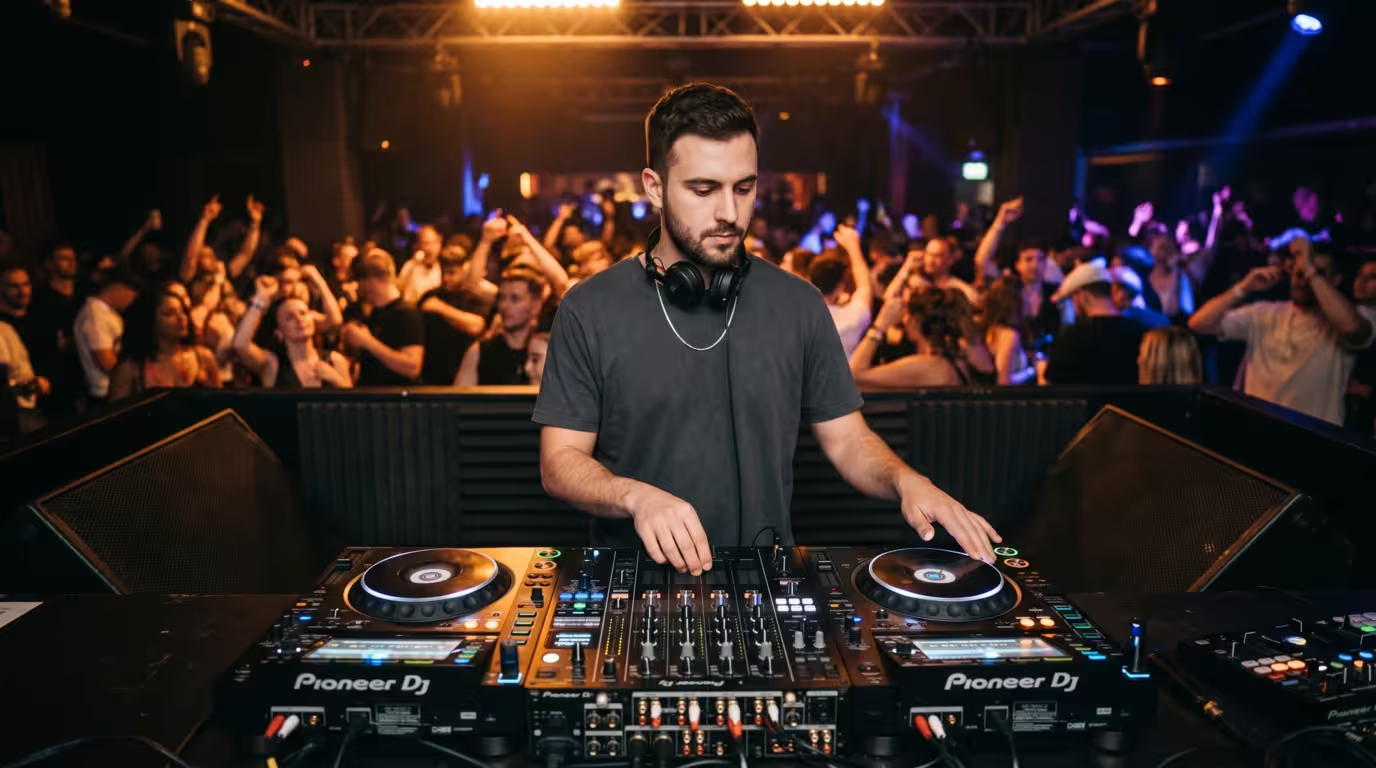
First steps: triage before you touch anything
When something goes wrong, resist the urge to start unplugging at random. Run a fast mental triage:
1. Is sound still coming from anywhere? If one deck is still playing, you have time — the floor still has music while you fix the other side.
2. Where in the signal chain is the problem? Is it the source (USB, laptop, deck), the mixer (a channel, fader, or filter), the connection (a cable), or the house system/PA? Follow the signal flow from your music to the speakers.
3. What changed last? Did you just load a track, plug something in, or touch a control?
Knowing your signal chain is what lets you diagnose in seconds rather than minutes, which is why experienced DJs stress learning the gear inside out. Often the failure is something trivial: a closed crossfader, a muted channel, a filter left engaged, or — famously — headphones that were never plugged in. The DJ TechTools troubleshooting guide recounts three professional DJs scratching their heads over a dead channel until someone pointed out the high-pass filter was still switched in. Check the obvious, fast, before you go digging behind the gear.
The overarching priority is simple: get something playing again as soon as possible, then diagnose at leisure. Methodical, not frantic.
Common failures and how to recover from each
Here is the core playbook. The principle running through all of it: keep one source playing if you can, swap to a backup if you can't, and reboot the thing that died while the floor stays fed.
This table is a fast-reference for the moment it happens; the sections below add detail.
| Failure | First move | Recovery |
|---|---|---|
| USB won't read / ejected | Play off the other deck | Re-seat or switch to backup USB |
| Laptop / software freeze | Keep current track playing | Restart software; fall back to USB on CDJs |
| Sound cuts out | Check one channel vs all | Trace chain; call engineer if it's the PA |
| Cable / connection dies | Use the working channel | Re-seat or swap in a spare cable |
| Deck / CDJ crash | Play off the other deck | Reboot the dead unit |
| Power / whole PA dies | Stay calm, signal the engineer | Wait it out; it's the venue's fix |
| Headphones / monitor die | Mix on waveforms / master | Use spare phones; visual beatmatch |
USB fails or won't read
This is the classic CDJ emergency, and the reason every guide tells you to carry at least two identical USB sticks — one per deck. If a drive won't read, throws an error, or you accidentally eject it, the fix is to switch to your backup or load from the deck that's still working. Club Ready DJ School puts it directly: bring at least two USB drives as backup, one for each deck you intend to use, loaded with identical playlists so you have a fallback for each player.
The October 2025 CDJ-3000 firmware 3.30 incident is the textbook real-world example. The update defaulted to a new library format and, when it couldn't read the older database, displayed empty playlists even though the music was still physically on the drive — AlphaTheta's official statement later confirmed that in certain situations tracks or playlists didn't display on the CDJ-3000 but, importantly, no music or data was deleted. BBC Radio 1's Jaguar described it on Instagram on 1 November as an absolute nightmare: she loaded both sticks and found her playlists, tracks and history all showing up blank. She got through only because she was playing back-to-back (with Rinse FM's Lu.Re), which bought her time to troubleshoot, and finished on a four-year-old backup USB that still worked. Australian DJ-producer What So Not, hit by the same bug, warned peers in a video reported by MusicTech that his playlists and songs didn't register at all when he plugged in the USB — and neither did his backup. He salvaged his set by dumping raw MP3s from his laptop and mixing manually, like the old days. A string of other high-profile names — VTSS, Samurai Breaks, Tiffany Calver, Zoe London, Fleur Shore and Of The Trees among them — reported the same nightmare. The lesson everyone drew: carry redundant backups, including an older legacy-format stick, and remember the files are usually still there even when the screen looks empty. For how to prepare and format those drives properly, see Preparing USBs for CDJs.
One quick technical note: on Pioneer CDJs running the link function, the track playing on a deck may actually be streaming from the USB in the other deck. Pull the wrong stick and you'll stop the music or trigger an emergency loop. Look at the mixer to see which deck is feeding the floor before you touch anything.
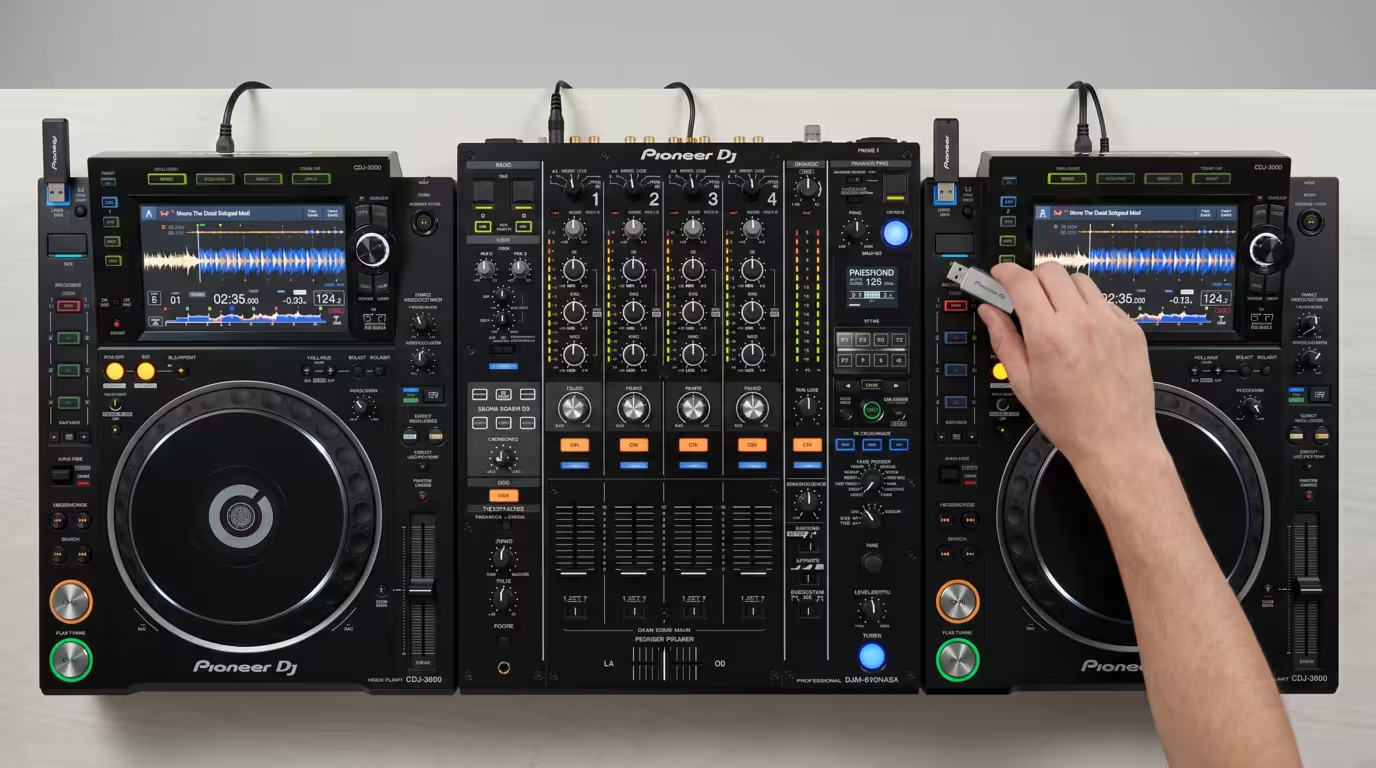
Laptop crash or software freeze
If you run Serato, rekordbox, Traktor or VirtualDJ off a laptop, the computer is your single biggest point of failure — hardware faults, overheating, an ill-timed OS update, or the software simply hanging. Serato's own support advises that if the software hangs you should ideally let it crash naturally rather than force-quitting, so a crash log is generated — but in a live set your priority is the music, not the log.
The recovery is twofold. First, keep the currently-playing track going (loop or extend it — see below) while you restart the software or, if needed, the laptop. Second — and this is why a laptop-independent backup matters — have a USB of analysed tracks ready to plug straight into the CDJs. A Digital DJ Tips contributor whose Serato setup misbehaved all night did exactly this: because they were on Pioneer CDJs, they could simply plug in a USB of rekordbox-analysed tracks and get the music going from somewhere other than the laptop. That dual setup — laptop plus a CDJ-ready USB — is one of the most resilient configurations a digital DJ can run.
Sound cuts out
When the audio dies, diagnose the scope immediately: is it one channel or everything? One dead channel points to that channel's fader, gain, cue/filter setting, or the cable feeding it — switch your music to a working channel and investigate. If all sound is gone, the problem is further down the chain: the master section, the mixer itself, or the house system. Check your master volume and booth/master routing, then look outward. If the PA is down, that's the engineer's domain. Note too that a club's protective limiter can clamp or cut output if you're pushing it too hard — that's not broken gear, it's the system defending itself, and the fix is to pull your levels down rather than fight it. See Gain Staging for DJs and Connecting to a Club Sound System for the limiter and signal-chain detail.
Cable or connection failure
Cables are consumables. They get knocked, flexed, trodden on, and they fail — often as a crackle or one dead side rather than total silence. If a channel dies and the deck looks fine, suspect the cable. Re-seat it first; if that doesn't fix it, swap in a spare. This is exactly why experienced DJs pack spare RCA and USB cables and a small torch for working behind the gear in the dark. The same Digital DJ Tips war story ended with the culprit identified after the gig: an old, dirty USB cable in poor condition that was causing audio dropouts. See DJ Cables and Connections for connectors, ground loops and what to carry.
Deck, CDJ or mixer hardware failure
If a single CDJ or deck freezes or crashes, the move is the same: keep playing off the other deck and reboot the dead one. The old turn-it-off-and-on-again trick genuinely works for a stuck CDJ — a hard reset clears most glitches. If a mixer channel dies, move to another channel. Work around the dead unit by mixing on one deck, using loops and hot cues to extend your runway until the rebooted player comes back. British house pioneer Eddie Richards described his approach to Pioneer DJ as methodical troubleshooting — sometimes rebooting equipment and checking settings when problems arise.
Power or whole-system failure
If everything dies — decks, mixer and PA all go dark — it's almost certainly a venue power or system issue, not your gear. This is not yours to fix, and you should not go climbing into the venue's amp rack. Stay calm, signal the engineer or venue staff fast and clearly, and wait it out; power trips are usually resolved quickly. A calm clap-along or a few reassuring words can hold the room's energy for the short gap. Your job is to be ready to restart cleanly the moment power returns.
Headphone or monitor failure
If your cue headphones die or the booth monitor cuts out, you can still mix. With digital gear you can beatmatch visually using the on-screen waveforms, or lean on sync to line tracks up while you sort it. Digital DJ Tips notes that being able to line up beats just by looking at the waveforms is a real help when booth monitors are missing. If it's the booth monitor, you can also cue through your headphones with the master/cue mix turned toward master; if it's the headphones themselves, this is why a cheap spare pair (or even wired earbuds) lives in a good DJ bag. Coping without monitoring for a track or two is entirely doable.
Buying time while you fix it
The bridge between it-broke and it's-fixed is the art of buying time without leaving dead air. The single best tool is the loop: extend the currently-playing track by looping a section — an 8- or 16-beat loop on a breakdown or groove — so the floor keeps moving while you work the other deck. Crossfader's looping guide describes this directly: DJs use loops to extend sections, buy time, or add extra creative flair.
Other time-buyers: keep one deck playing while you reboot the other; have a hot cue loaded so you can drop back into the middle of a track instantly rather than restarting from a cold intro; and, as several pros do, keep a few unusually long tracks (10 to 12 minutes) on your drive specifically for emergencies. One DJ told Pioneer DJ he keeps a folder of tunes between 10 and 12 minutes long purely for this scenario, and they usually hold the situation at bay before anyone realises there's a problem. If you do hit total silence, fix it fast and calmly; a brief, light acknowledgment is fine, but don't narrate your panic.
Redundancy is what makes recovery possible
You can only recover if you prepared to. Every recovery move above depends on having a fallback ready: two or more identical USBs (one per deck), a backed-up library, a laptop-plus-USB dual setup, spare cables and adapters, and ideally a spare pair of headphones. As DJ TechTools puts it, the core technique for trouble-free shows is building a redundant setup — bringing an extra copy or backup of just about everything important. The redundancy principle is the foundation; recovery is simply using it under pressure. For how to build that kit and prep it at home, see the DJ Set Preparation Checklist and Preparing USBs for CDJs — this article is about using those backups when the moment comes.
Working with the venue or engineer
Know the line between your problem and the house's problem. Anything from the booth inputs back to your gear — your decks, your USB, your laptop, your cables — is yours to troubleshoot. Anything from the booth outputs onward — the house mixer, the amps, the PA, the limiter, the power — belongs to the venue's engineer. If the system or power fails, flag it to the engineer calmly and immediately rather than trying to fix it yourself; they are your ally and they know their rig. At a small gig with no engineer, you handle it yourself, which is all the more reason to understand your signal chain. See Connecting to a Club Sound System for how the booth, house system and engineer fit together.
After the failure: carry on, then diagnose
Once you've recovered, carry on professionally. Don't sulk, don't dwell, and don't let one glitch derail the rest of your set — the crowd has already moved on, so you should too.
The real work happens after the gig. Run the whole setup again without the pressure of a crowd and find the root cause: replace the dud cable or USB, update (or roll back) the firmware, re-analyse problem files, and improve your redundancy where it was thin. Treat every failure as a lesson and keep a short gig log — what failed, why, and what you changed — so you don't repeat it. Digital DJ Tips' post-mortem on a disastrous gig traced the fault to a single tired USB cable; that DJ never used it again. Resilience is built one diagnosed failure at a time.
Key takeaways
• Equipment failure happens to everyone; calm, fast recovery — not avoiding all failures — is what marks a pro.
• Keep a poker face: the crowd takes its cue from you and barely notices a glitch you handle calmly.
• Triage first — is sound still playing? source, mixer, cable, or PA? — then get something playing again before diagnosing.
• Carry redundancy (2+ USBs, spare cables and adapters, a dual laptop/USB setup, spare headphones); you can't recover without it.
• Loop or extend the playing track to buy time, and reboot the dead unit while the floor stays fed.
• Power and PA failures are the venue's job — flag them calmly; then diagnose and fix the root cause after the gig.
Ready-made, exclusive EDM tracks with full rights — released as your own.
